
ZavaPOS / HOW IT WORKS
From WhatsApp to a live till.
No sales funnel, no credit card, no six-week implementation. Tell us what you sell and we set up the shop.
- 01
Send a message
Tell us the shop type, the town, how many tills, and what you need to control: IMEI, expiry, tables, kitchen, or plain retail. A WhatsApp message is enough.
- 02
We set up the store
You get your own subdomain, database, login and pack selection. We set your store currency, tax, receipt header, staff users and the payment methods you actually take.
- 03
You get the login
The owner account and staff PINs are created. Stock is loaded or imported, prices checked, and the printer tested on the till you will use.
- 04
Train and go live
A short walkthrough on the real till: sell, record a mobile-money reference (M-Pesa where available), print, close the day. Then you run the counter.
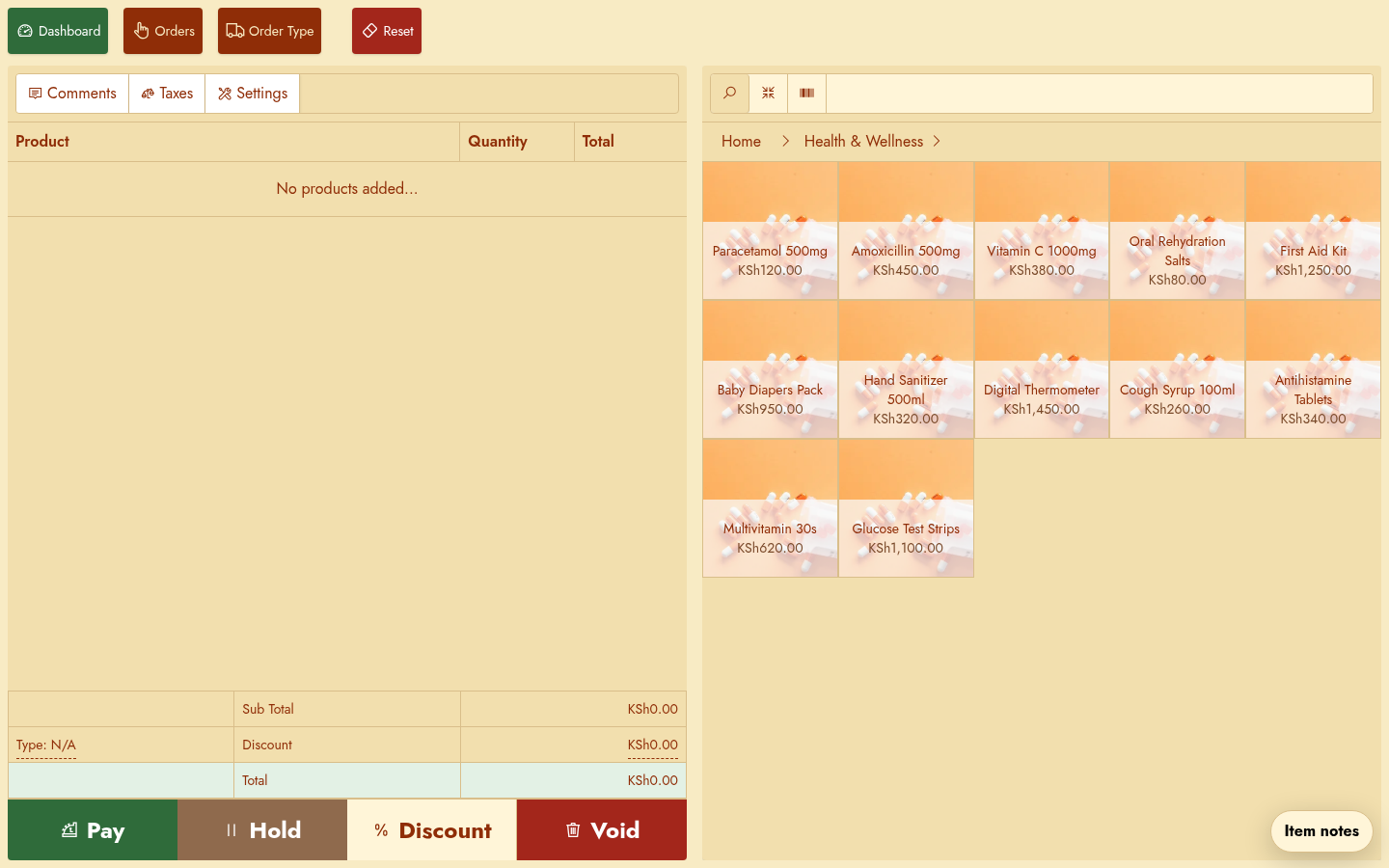
What we need from you
- Shop name and the town or area.
- The shop type and the pack you need.
- How many tills and staff will use it.
- A product list, even a rough one, and the printer model if you have one.
Setup is quoted per shop. The monthly price covers the hosted till; setup covers loading, configuration and training. We confirm both on WhatsApp before anything starts.
NEXT
Bring the shop. We will bring the till.
Tell us the trade, the town and the number of tills. We will answer with a straight setup and monthly figure.